Navigating the world of online finance requires a partner committed to fairness and clarity. This introduction explores a prominent Forex CFD provider built with that exact purpose in mind.
The company brings over two decades of derivative market experience to its management. This deep knowledge fuels a mission to deliver a fair and transparent trading environment for active participants worldwide.
Security is a fundamental pillar. Client funds are held in segregated accounts with top-tier international banks. This practice significantly reduces counterparty risk for every account holder.
Through its sophisticated cTrader platform, the firm offers professional-grade tools via a streamlined web interface. This setup transforms complex financial trade execution into a more efficient process.
Our guide examines how this ecosystem integrates with global forex markets. It highlights the competitive advantages available to retail investors, backed by dedicated support and robust infrastructure.
Getting Started with IC Markets cTrader
Embarking on your path as an active participant requires a verified profile with a regulated provider. This process is designed to be efficient, leading you directly to the professional tools of the platform.
Understanding the Account Opening Process
To begin, you must complete an online registration form. This creates a profile with the CySEC-regulated entity.
The company then requires identity and residential address verification. This critical step typically completes within 24 working hours.
Every new client must submit specific documents. The core requirements are:
- A valid government-issued photo identification.
- A recent proof of residence document, issued within the last three months.
Exploring the Free Demo and Live Account Options
Before committing real capital, you can try a free demo account. This allows for complete familiarization with the platform in a risk-free environment.
Once comfortable, you may open a live trading account. A seamless login process grants access to the secure client area to manage funds.
Support teams are ready to assist during this initial setup. This ensures you are fully prepared to start trading on the global forex stage.
Navigating the cTrader Platform Interface
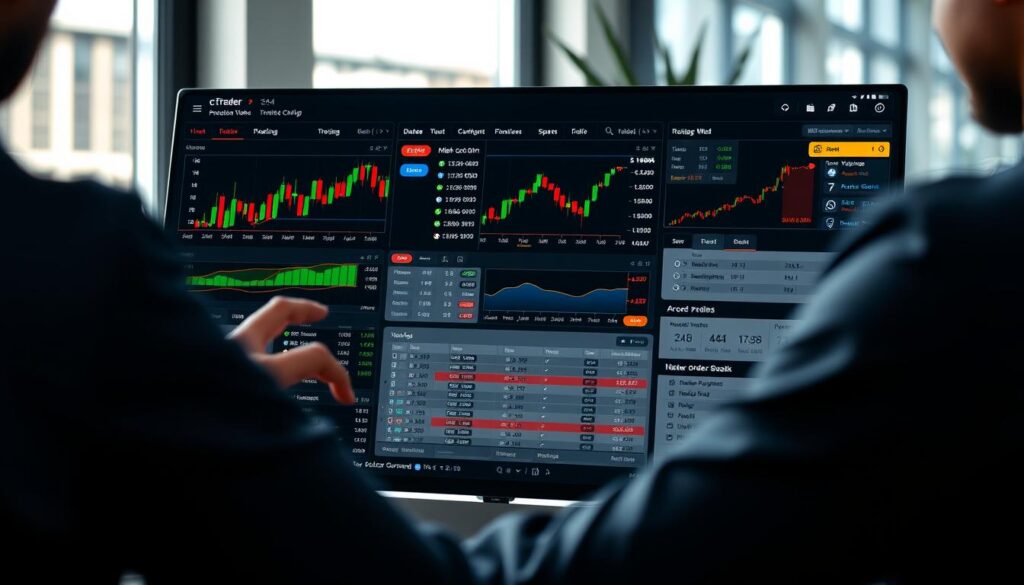
The cTrader interface presents a streamlined environment where speed and clarity are paramount for decision-making. Its design philosophy centers on providing professional-grade tools through a logical and uncluttered web-based dashboard.
Platform Layout and Key Features
The central workspace is dominated by advanced, customizable charts. Traders can monitor multiple forex pairs and other instruments from a single, integrated view.
Key panels for account information, order management, and trading history are neatly arranged. This allows users to check their real-time balance and exposure without disrupting their market analysis.
The system is engineered for superior execution speeds. It supports a wide range of order types to manage positions effectively in any market condition.
Tips for Efficient Navigation
Begin by personalizing your workspace. You can drag and resize chart windows, data panels, and watchlists to match your preferred trading style.
Learn the essential hotkeys for common actions like placing orders or modifying stops. This shaves valuable seconds off your trade execution.
Comprehensive support documentation is built directly into the platform. Consulting these guides can quickly resolve questions and optimize your daily workflow for better results.
ic markets ctrader guide: Setting Up Your Trading Environment
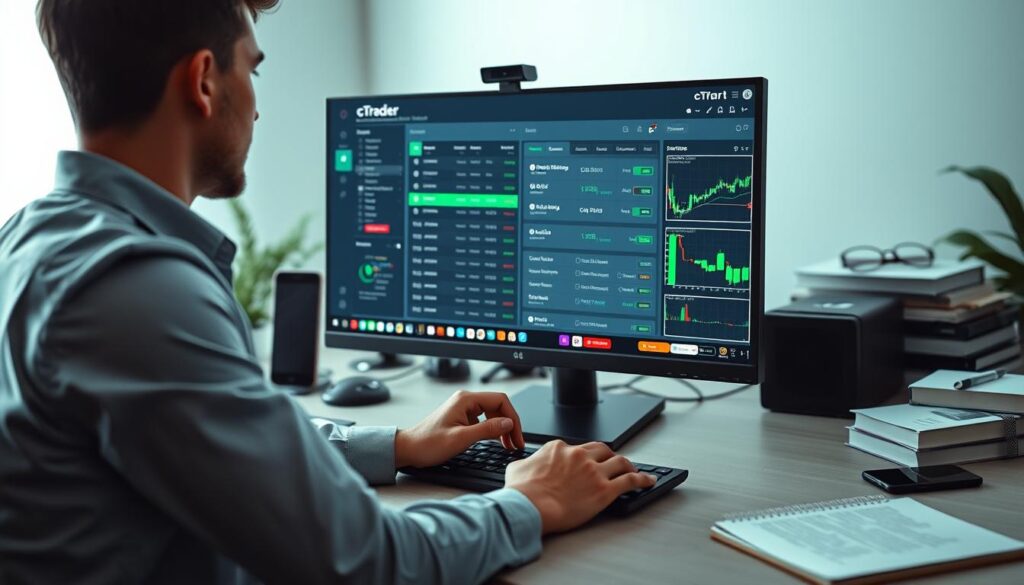
A well-organized digital workspace is the foundation of successful trading activity. It ensures every decision is made with clarity and precision. This setup directly influences your efficiency and results in the fast-paced forex markets.
Customizing Your Platform Settings
Begin with the technical basics. The company recommends using modern browsers like Google Chrome or Firefox for maximum stability. This ensures the trading platform performs smoothly during critical sessions.
Users can then tailor their workspace to match specific strategies. Adjust chart layouts, notification alerts, and order execution preferences. These options create a personalized and efficient approach to the market.
All preferences can be saved to your account profile. This means your setup remains consistent every time you login. It provides a familiar environment across different devices and sessions.
A properly configured demo account is invaluable. It allows you to test settings without risk. This practice minimizes operational errors before moving to a live account.
Support resources are available to guide each client through customization. They help optimize the workspace for better performance and faster trade execution.
Understanding Trading Conditions and Account Types
Two distinct profile options cater to different styles, each with unique pricing models and fee arrangements. Selecting the right one is crucial for managing your overall costs effectively.
Standard Account vs. Raw Spread Account Differences
The Standard account applies a fixed mark-up to the raw inter-bank rate. This creates a commission-free environment for every transaction.
Alternatively, the Raw Spread account offers direct access to underlying inter-bank prices. A small, transparent fee applies per lot for this service.
Commission Structures and Spread Details
With the Raw Spread option, users pay a $7 commission per standard lot round turn. This is coupled with very tight spreads sourced from liquidity providers.
The Standard option uses a spread mark-up of 0.8 pips instead. There are no extra commissions on any order placed through the platform.
Swap rates are another key condition. Positions held on Wednesday incur triple charges to cover weekend settlement.
All market pricing comes from external providers. This ensures fair and transparent conditions for every client and supports reliable trade execution.
Leveraging Advanced Tools and Indicators on cTrader
Gaining a competitive edge in the financial markets often hinges on the quality of your analytical toolkit. This platform provides a comprehensive suite designed for deep technical examination and automated strategy implementation.
Utilizing Technical Analysis Tools and Indicators
A wide array of technical indicators and drawing tools is available. These help participants identify prevailing trends and potential entry points across various asset types.
Built-in calculators are also provided. They allow users to determine precise swap rates and pip values before placing an order. This aids in accurate risk management for every trade.
The company supports this with educational resources. These materials explain the fundamentals of both technical and fundamental analysis for all clients.
Implementing Automated Trading Strategies
For systematic execution, the platform supports Expert Advisors (EAs). These are automated programs that execute trades based on pre-defined rules and criteria.
Users can first test their automated logic in a risk-free demo environment. This practice is crucial before deploying a strategy with real capital in a live account.
Support for this automation makes the platform a strong choice for professionals. It enables high-frequency execution and helps traders make informed decisions using real-time price data.
Maximizing Execution Speeds and Low Latency Connectivity

For active traders, milliseconds can mean the difference between profit and loss in fast-moving markets. A provider’s technological backbone is therefore critical. This infrastructure directly impacts the speed and reliability of every transaction placed.
Role of Equinix Data Centres and Server Locations
The cTrader platform is hosted on high-performance servers within the NY4 and LD5 IBX Equinix Data Centres. These facilities in New York and London are globally recognized for secure, reliable infrastructure.
This strategic placement provides the low latency connectivity active participants require. It minimizes the physical distance data must travel to major liquidity hubs.
Every account type, from demo to live, benefits from this identical server setup. Traders can monitor their connection quality directly through the platform’s interface. This ensures they are always linked to the optimal server for performance.
Ensuring Fast Order Execution
The architecture is optimized to connect users directly to numerous liquidity providers. This direct link is designed to minimize slippage and ensure orders are filled at the best available market price.
Fast execution is a cornerstone of the service. It allows clients to capture precise price movements across global forex markets. The system reduces the critical time between an order being placed and its final execution.
This commitment to low latency makes it a preferred choice for professionals. They demand the best possible trade execution, even during periods of high volatility.
Managing Risk: Margin, Leverage, and Stop-Loss Strategies

Effective risk management forms the bedrock of any sustainable trading strategy. It involves clear rules for using leverage and predefined exit points. This discipline protects capital during volatile market conditions.
Understanding Margin Calls and Leverage Options
The company provides specific leverage caps based on client classification. Retail participants can access up to 1:30, while qualified professionals may use up to 1:500.
A margin deposit acts as security against open positions. If equity falls too low, the system issues a margin call at 100%.
The stop out level is set at 50%. This automated feature closes positions to prevent an account balance from turning negative.
Setting Up Effective Stop-Loss and Take-Profit Orders
These essential tools allow traders to define risk parameters before order execution. A stop-loss automatically closes a trade at a predetermined price to limit loss.
A take-profit order secures gains when a target is reached. The cTrader platform makes placing these orders straightforward during the trade setup.
Using a demo environment is wise for practicing these strategies. It builds confidence for live forex markets without financial risk.
Tailoring Your Trading Experience: Customization and Tools

The ability to tailor your digital workspace is a powerful advantage for any serious market participant. It moves beyond a standard interface to create a personalized command center for analysis.
This flexibility helps users focus on the data most relevant to their specific strategy. It directly supports better decision-making across various asset types.
Personalizing Chart Layouts and Indicators
Users can modify their chart layouts to match exact technical analysis needs. They can add multiple indicators and drawing tools to visualize trends and price action.
Every configuration can be saved to the user’s profile. This ensures a consistent setup is ready for each new session, saving valuable time.
The platform offers a wide range of analytical tools. These help clients identify opportunities in fast-moving forex and other financial markets.
All order management features are also adjustable. Traders can set them up for the precise level of detail their approach requires.
Testing new layouts is risk-free in a demo account environment. This practice lets participants refine their setup before using a live account.
The company provides clear support documentation for these features. This ensures every client can maximize their use of the available tools for more effective trade execution.
Educational Resources and Trading Support at IC Markets

Continuous learning and reliable support are essential pillars for anyone engaged in financial markets. A robust educational framework helps traders understand complex dynamics and refine their strategies over time.
Interactive Webinars and Video Tutorials
The company provides extensive resources to help every client improve. Interactive webinars and detailed video tutorials cover various topics, from basic concepts to advanced trading techniques.
Participants can find schedules for these sessions on the official blog. This makes it easy to plan your learning around live market events.
Accessing Customer Support and Account Security Tips
For direct assistance, you can contact the support team via email. They help with account queries and platform navigation to ensure smooth operation.
Customers say excellent things about this service in independent reviews. Many Trustpilot testimonials highlight the team’s responsiveness and the reliable execution provided.
Security is paramount for protecting your account. The firm advises changing passwords regularly and avoiding public devices for trade activities.
Using a demo profile to practice with these resources is highly recommended. It builds confidence before engaging with live forex prices and order flows.
Integrating Advanced Trade Execution for Active Traders
The final step between a decision and a result is the execution model, a critical component often overlooked. Advanced systems provide the speed and transparency needed for consistent performance.
This integration is vital for anyone needing the best possible price access in fast-moving conditions.
Understanding Market Execution Models
The company utilizes a market execution model. Every order is filled at the price available at the exact moment of execution.
There is no dealing desk intervention. All trades are sourced directly from external liquidity providers.
This creates a fair and transparent environment for every client. It ensures a level playing field across all account types.
Exploring Copy Trading and Automated Options
For those seeking a different approach, the platform supports copy trading. This feature lets users replicate the strategies of successful peers.
It automates portfolio management based on proven methods. Full automated options are also available for systematic strategies.
These tools help participants engage with forex and other markets more efficiently. Support teams guide the setup for a smooth experience.
Using a demo account to test these features is highly recommended. It builds confidence before committing real capital to live trading.
Wrapping Up Your Trading Journey with Confidence
Confidence in trading stems from a combination of robust technology and dedicated assistance. The right ecosystem provides all the necessary components for a successful path.
This includes professional-grade tools, low-latency server infrastructure, and transparent conditions. Customers say excellent things about the reliable order execution and competitive spreads offered.
You can try free demo options to explore the platform firsthand. When ready, you may open trading account to start trading with real capital.
Utilize advanced indicators and copy features to build a solid strategy. Remember to check the official blog for updates and contact the support team for any help.
The commitment is to support every client‘s growth in the complex forex market. With the right account and resources, you are well-equipped for the journey ahead.